

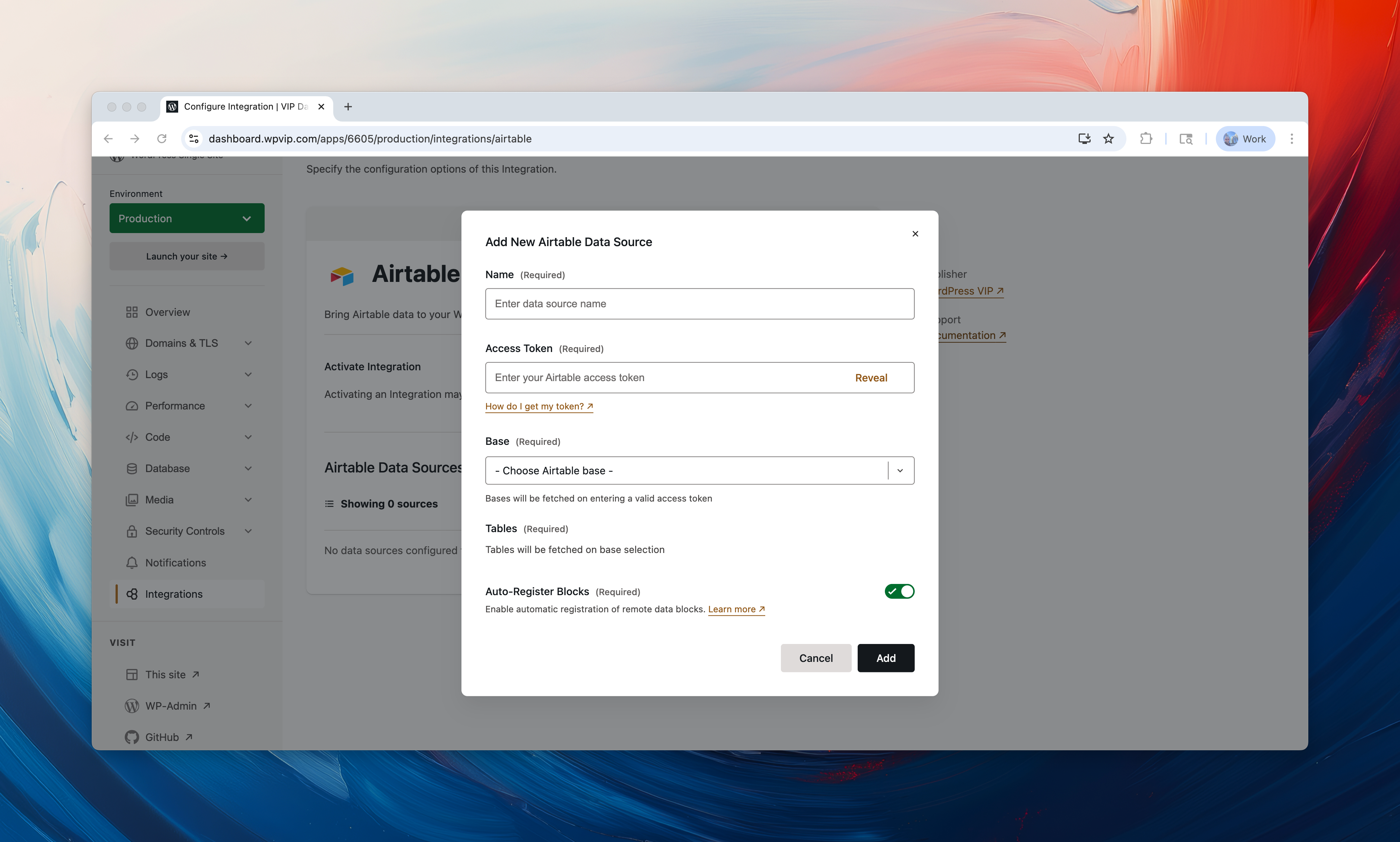
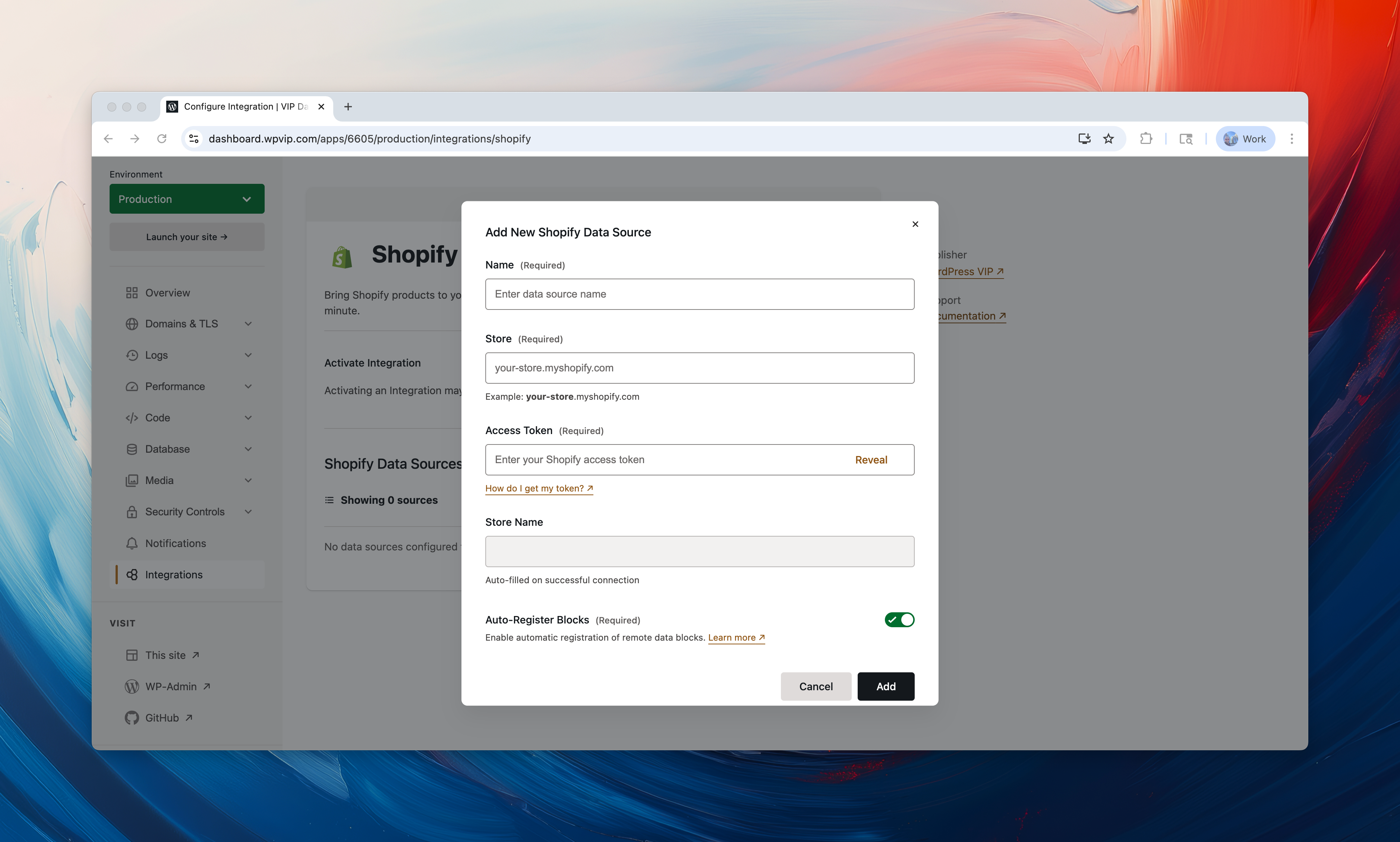
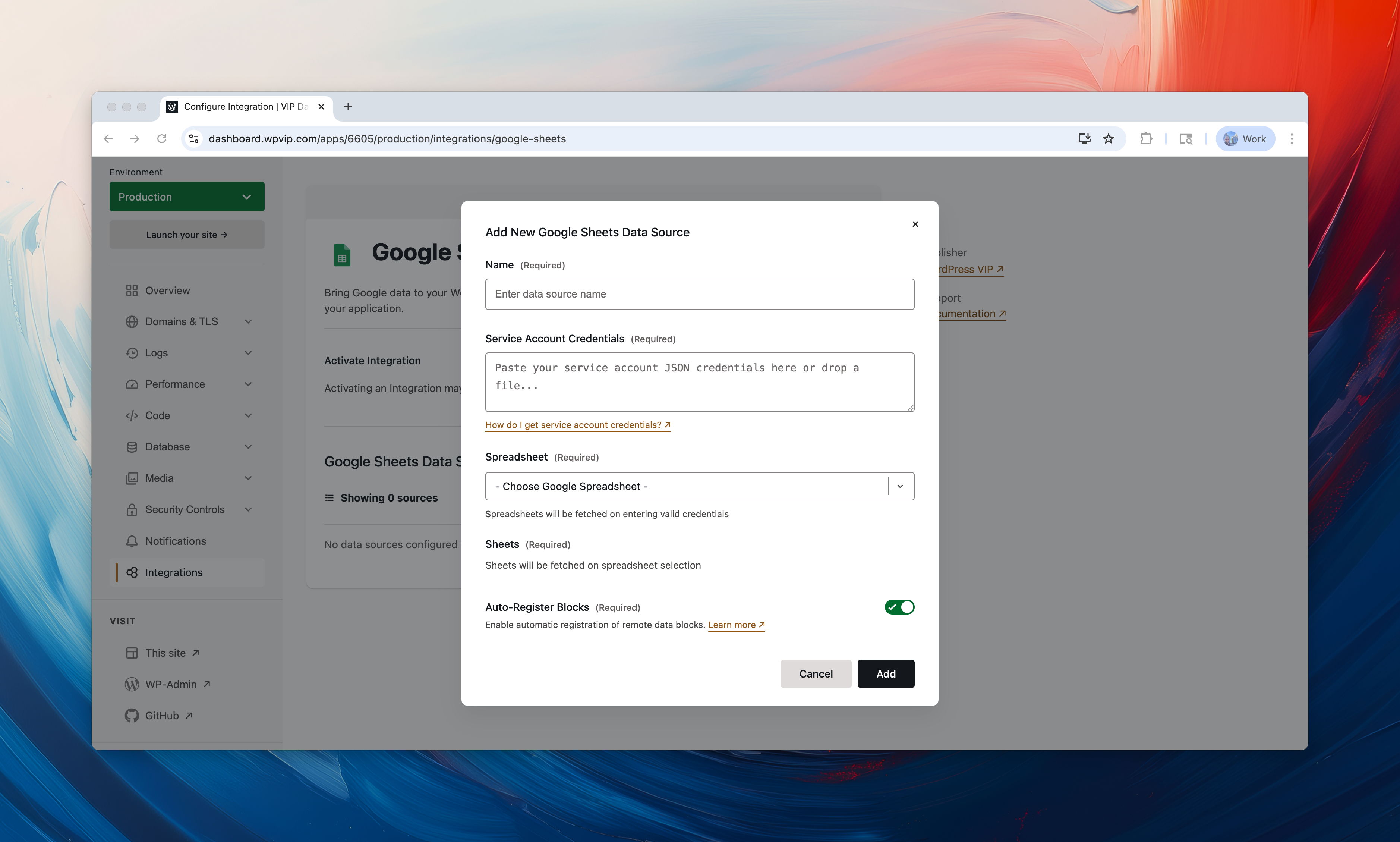
In June, we announced support for Remote Data Blocks in the VIP Integrations Center. Today, we’re excited to announce our next level of Remote Data Blocks Integrations Center support: data source configuration.
We now offer support for configuring the following data source types directly in the Integrations Center:
These four integrations depend on the Remote Data Blocks integration. Activating one of these will also activate the Remote Data Blocks integration.

Why it matters
You can now easily manage these data sources at the platform level, rather than just within the individual environment. This gives flexibility and control to manage them across multiple sites from one convenient location.
Get started
You can activate Remote Data Blocks from WordPress VIP’s new Integrations Center in the top navigation of the VIP Dashboard. Read more here.