

When your application goes down, the experience doesn’t have to.
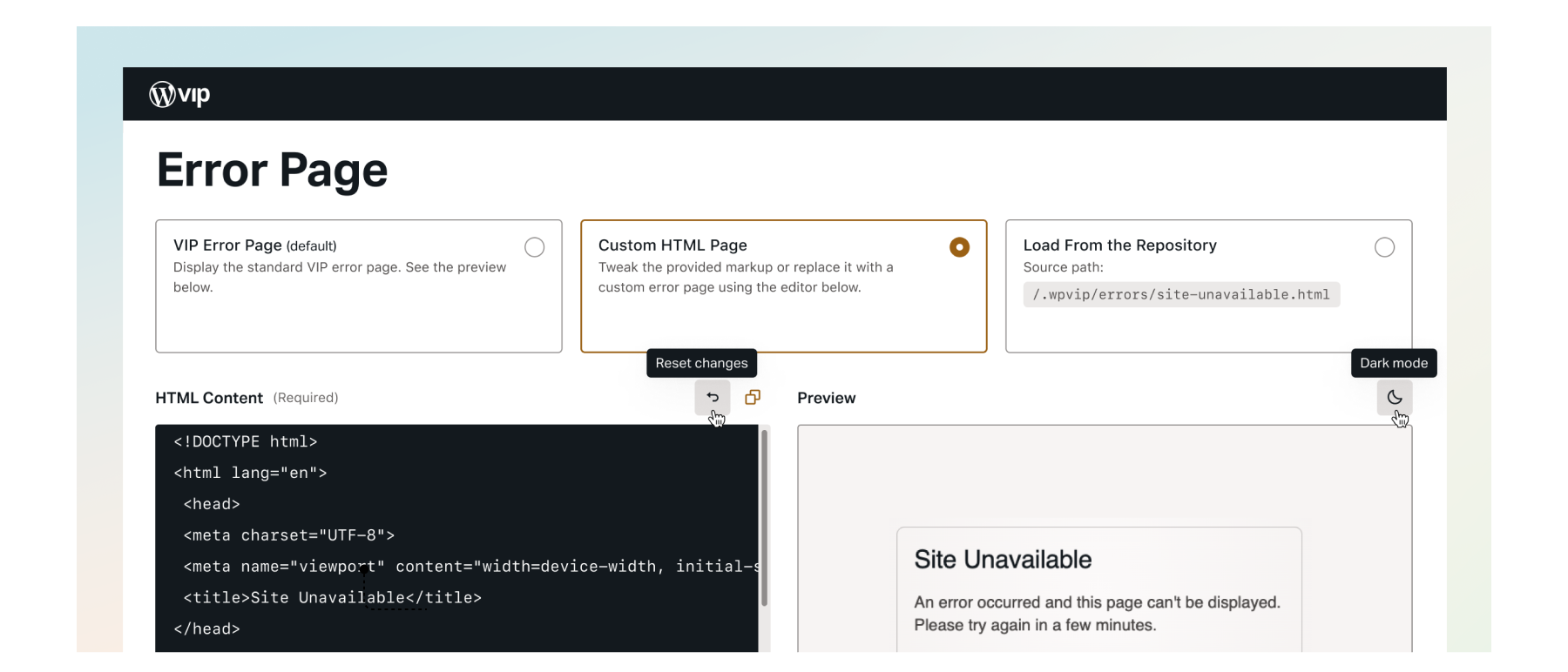
VIP now supports customizable error pages, giving you full control over what your audience sees if your origin becomes unreachable. This new capability ensures users stay within your brand experience, even when things go wrong.
What’s new
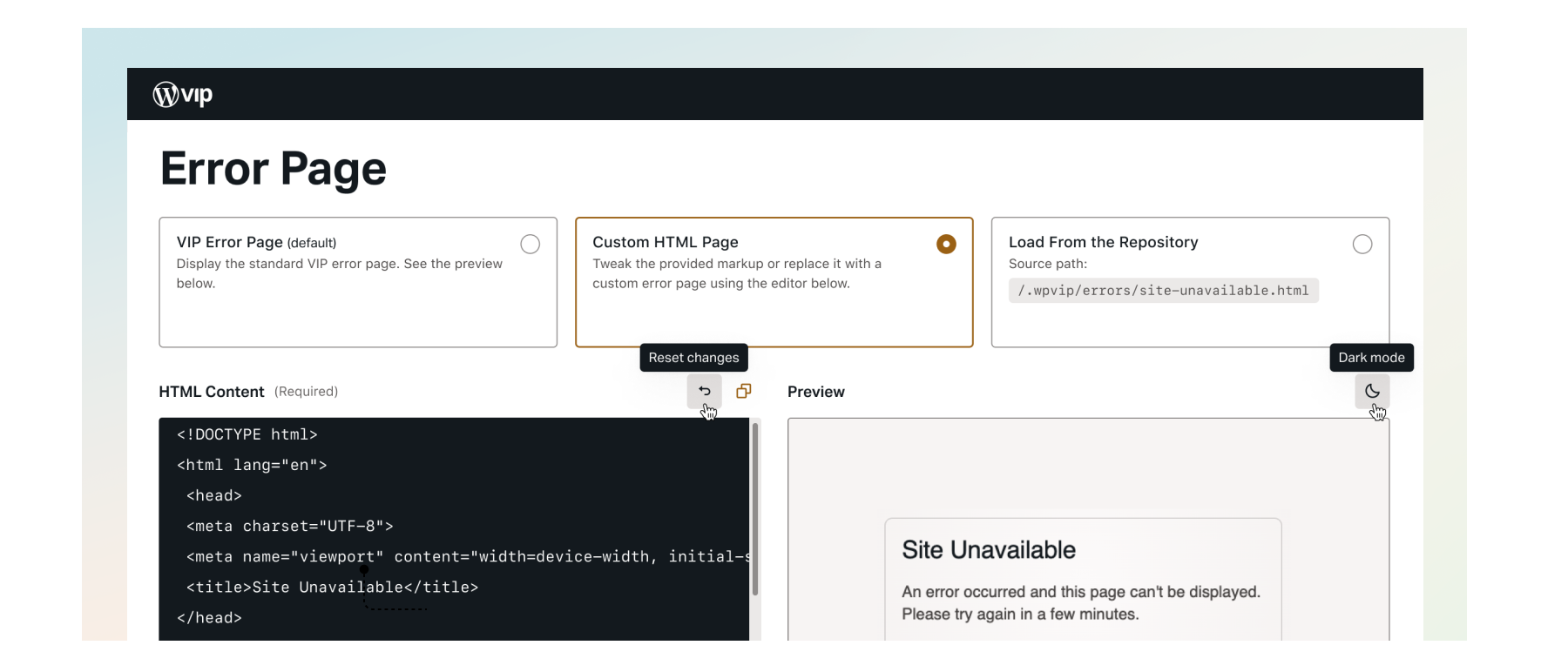
You can configure your 500 error page in the VIP Dashboard, under the Code section. Choose from three options:
- Load from GitHub: Reference a static HTML file in your repository.
- Use the built-in HTML Editor: Create or edit your error page directly in the dashboard.
- Use the default fallback: Stick with the standard version if you prefer.
You can also use the GitHub Option to load a file and switch over to the HTML Editor to customize it further.
Why this matters
A custom error page helps you maintain your brand’s look and feel during outages, giving your users a consistent and familiar experience even when your application is temporarily unavailable. It allows you to communicate clearly and helpfully in moments of failure, which can reduce confusion, preserve trust, and keep users on your site. Introducing this feature also addresses a long-standing request from customers and brings VIP in line with broader industry expectations.
Getting started
Configuration is quick and available to all customers through the dashboard. Full instructions will be available in the documentation.
If you have any questions related to this feature, please open a support ticket and we will be happy to assist.