

We are pleased to share the first update in a series of improvements to WordPress VIP’s support experience. Our expanded form provides our team with more information about your request, allowing us to respond to tickets more effectively.

The first thing we’ll ask for is a general category for your request – this gives us a clear idea of what problem you’re trying to solve. Each category has a specific set of questions designed to gather details on the issue, helping our team get started on your request.
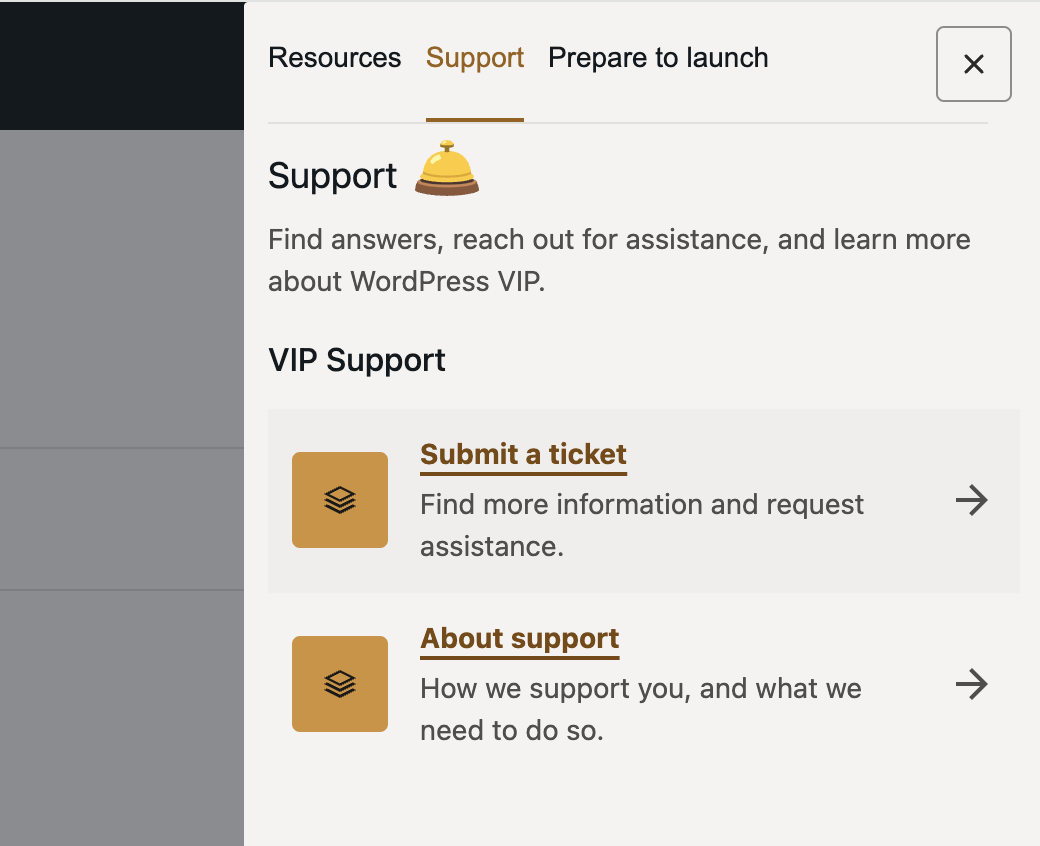
You can access this form from your VIP Dashboard by clicking the question mark in the top corner to open the Support menu and select Submit a ticket.
This change represents the first step in an ongoing evolution of the WordPress VIP support experience to be more effective and efficient. As you use the new process, please share your feedback or suggestions for improvements.