

My Organizations

Users who have access to more than one organization will now be able to view a list of all their organizations in a centralized place in the “My Organizations” panel. This optimizes navigation for more context and orientation in a single view.
Click on the “My Organizations” tab in the top black header to view the panel. For more information, please refer to our documentation.
User Settings Sidebar
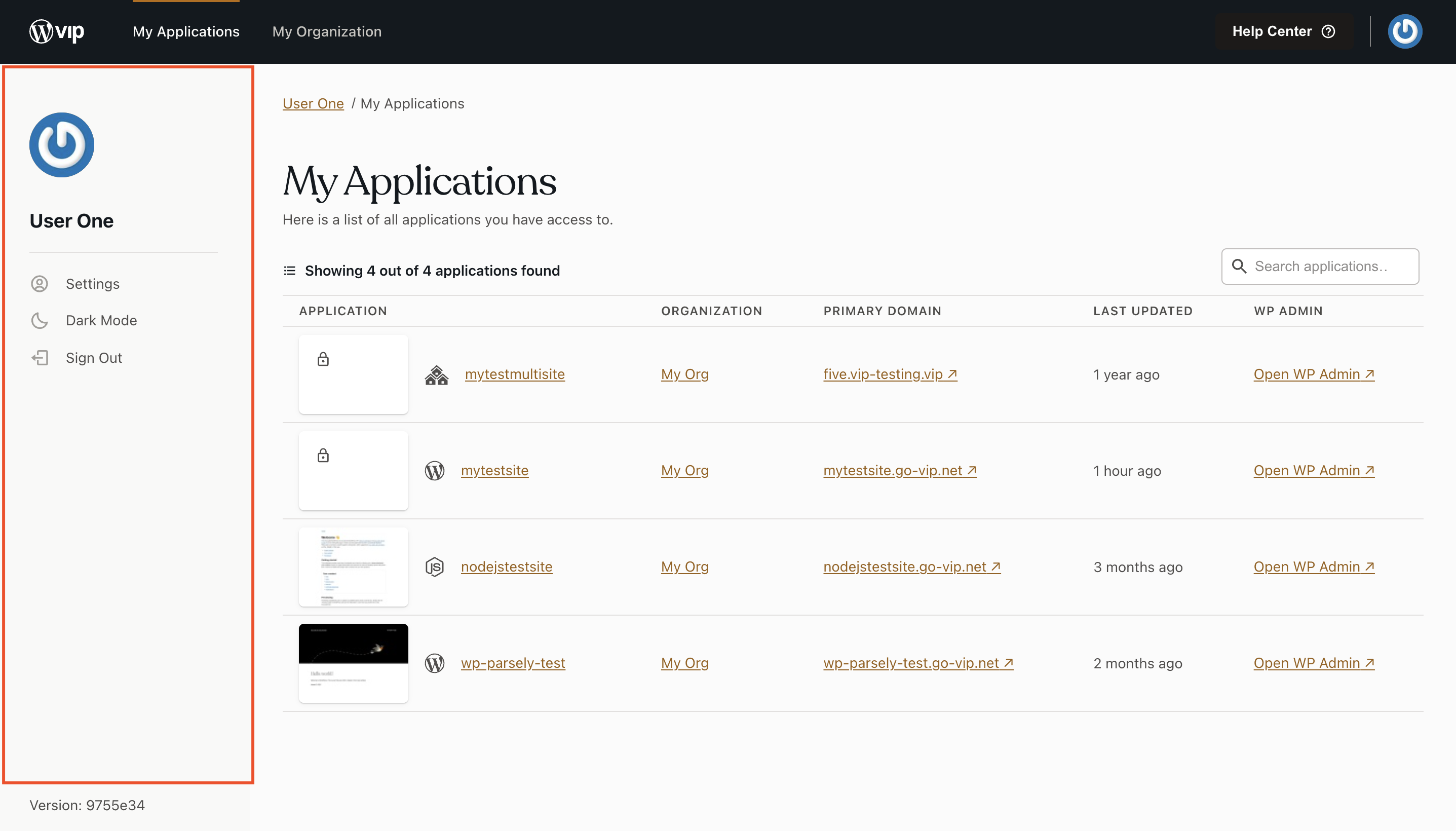
For quick access to your user and various settings, a simplified version of the “Settings” panel will be displayed on the left-hand side of the “My Applications”, “My Organizations”, and “Settings” panels.
Responses